create new ticket
 check ticket status
Remember courses added to the Learning Tab are for Learning purposes only. Their progress is not tracked or recorded.
In Rise 360
You will need to publish the course as a WEB and export. This downloads as a ZIP file.
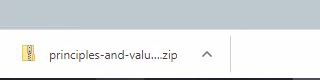
Open this zip and extract it to a folder. Take a now of the folder name.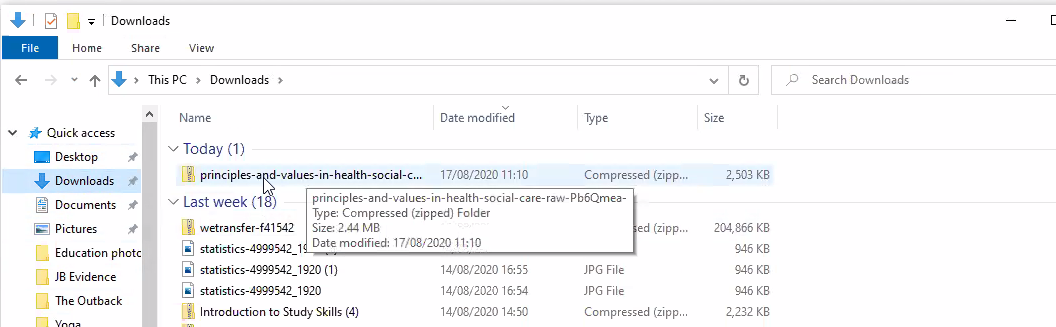
Open FileZilla (or other FTP)
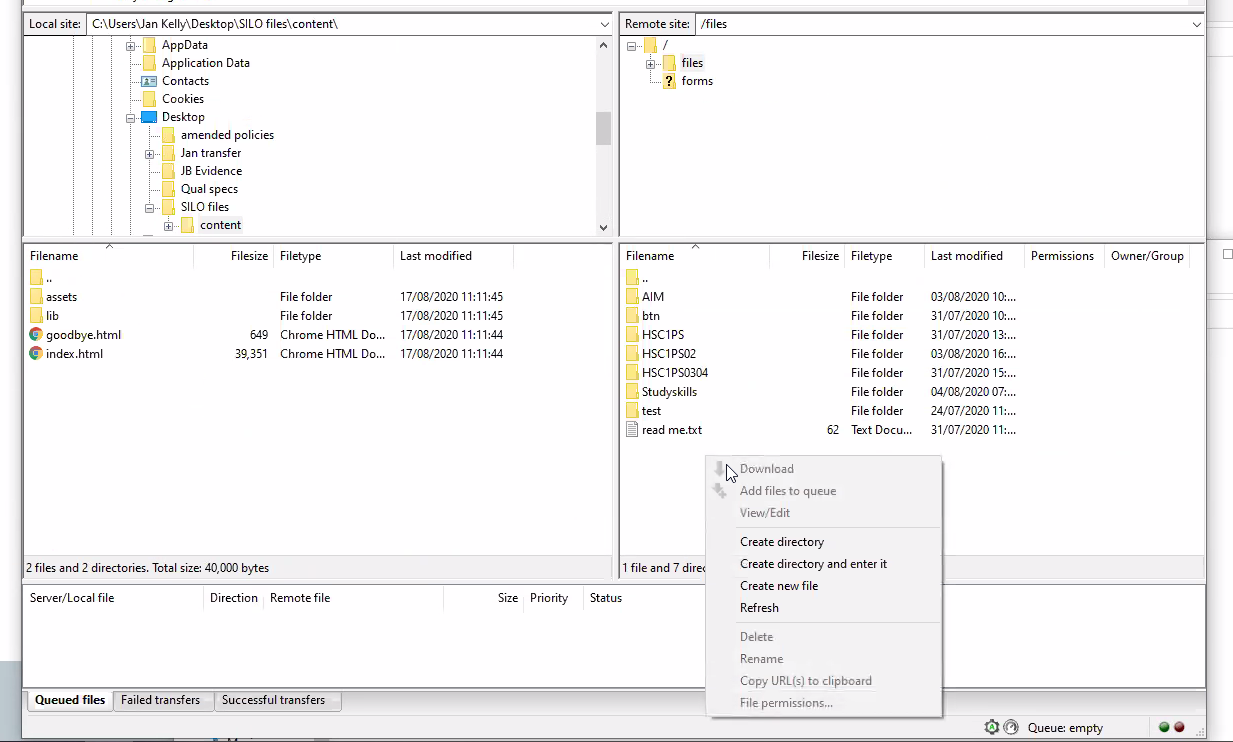
Select the Files directory and add a new folder (directory) with the name for this course. e.g.
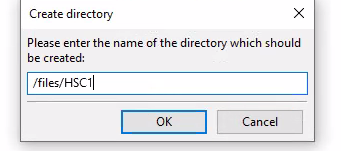
Select all of the files in the bottom left window and drag them to the bottom right window.
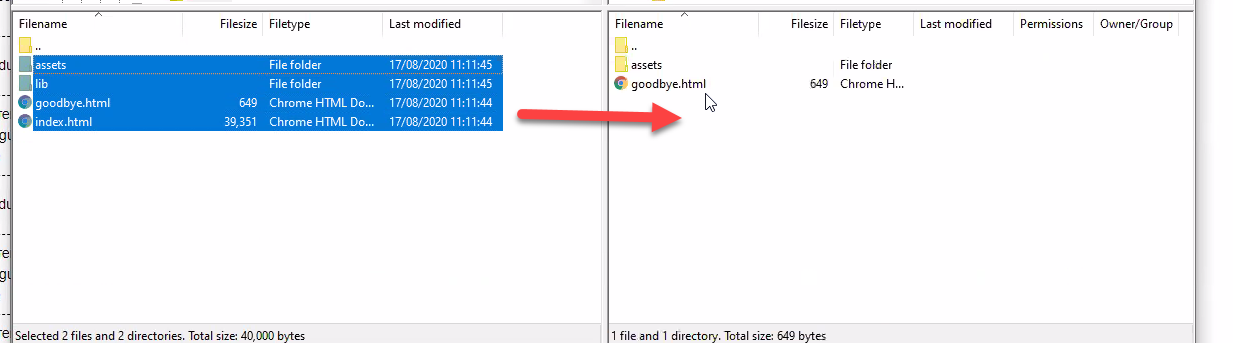
You can now close FileZilla.
The next step is to add this to the course in the e-Portfolio.
Add a new Component
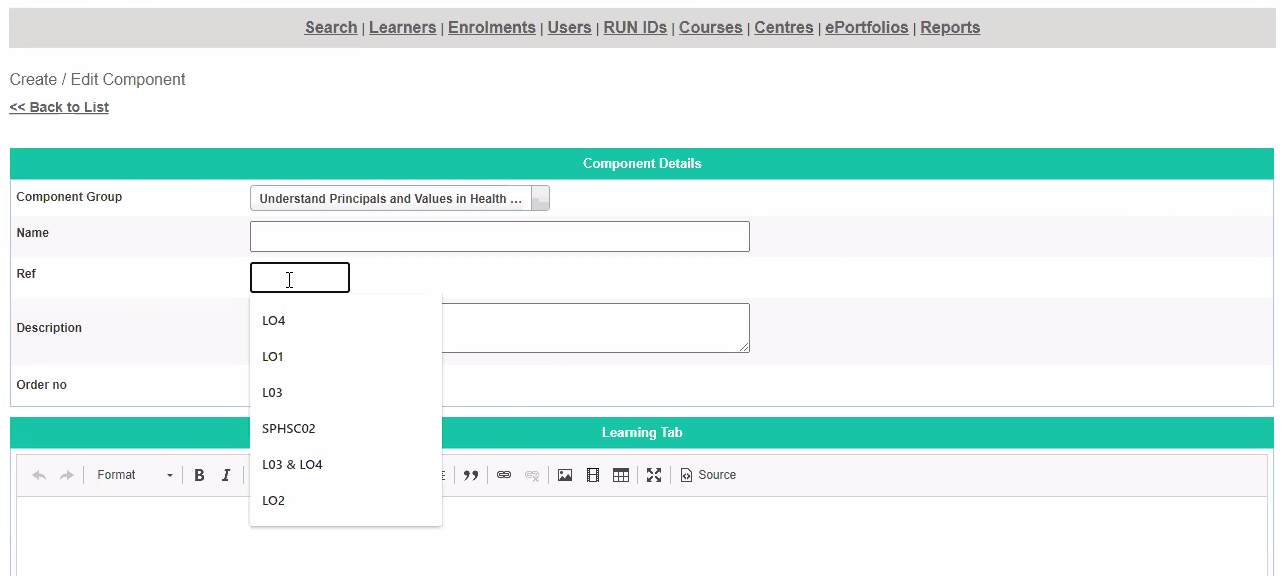
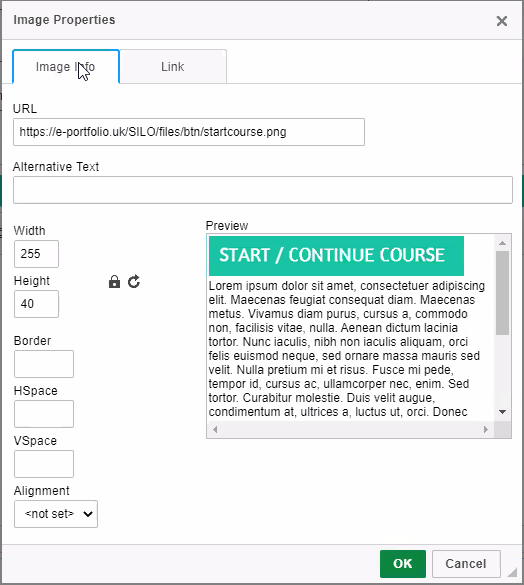
Add an image (the Start/Continue Course button image)
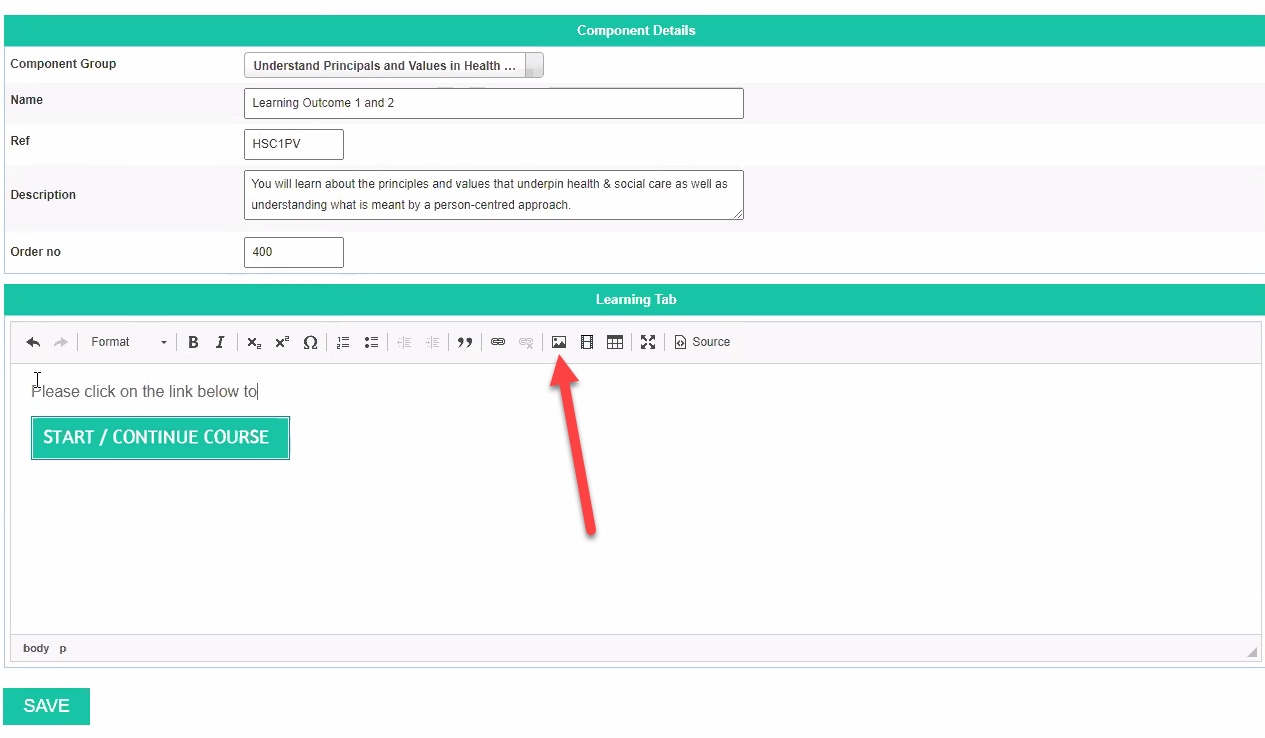
add the image URL = https://e-portfolio.uk/SILO/files/btn/startcourse.png
The course link will be: e.g. https://e-portfolio.uk/silo/files/HSC1PV/#/
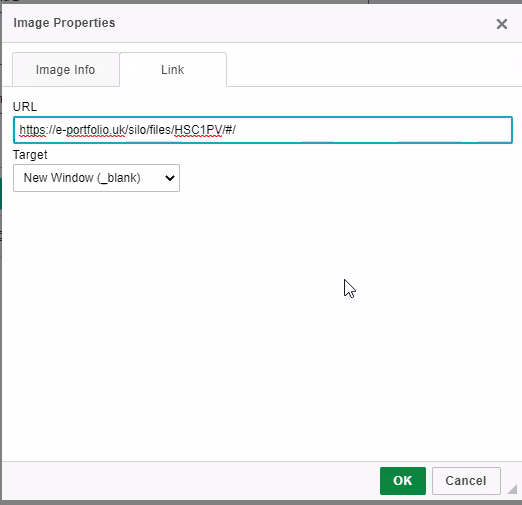
Where HSC1PV is the name of the new folder you created.