How to Create a New Course - OCN
Modified on: Wed, 4 Oct, 2023 at 9:54 AM
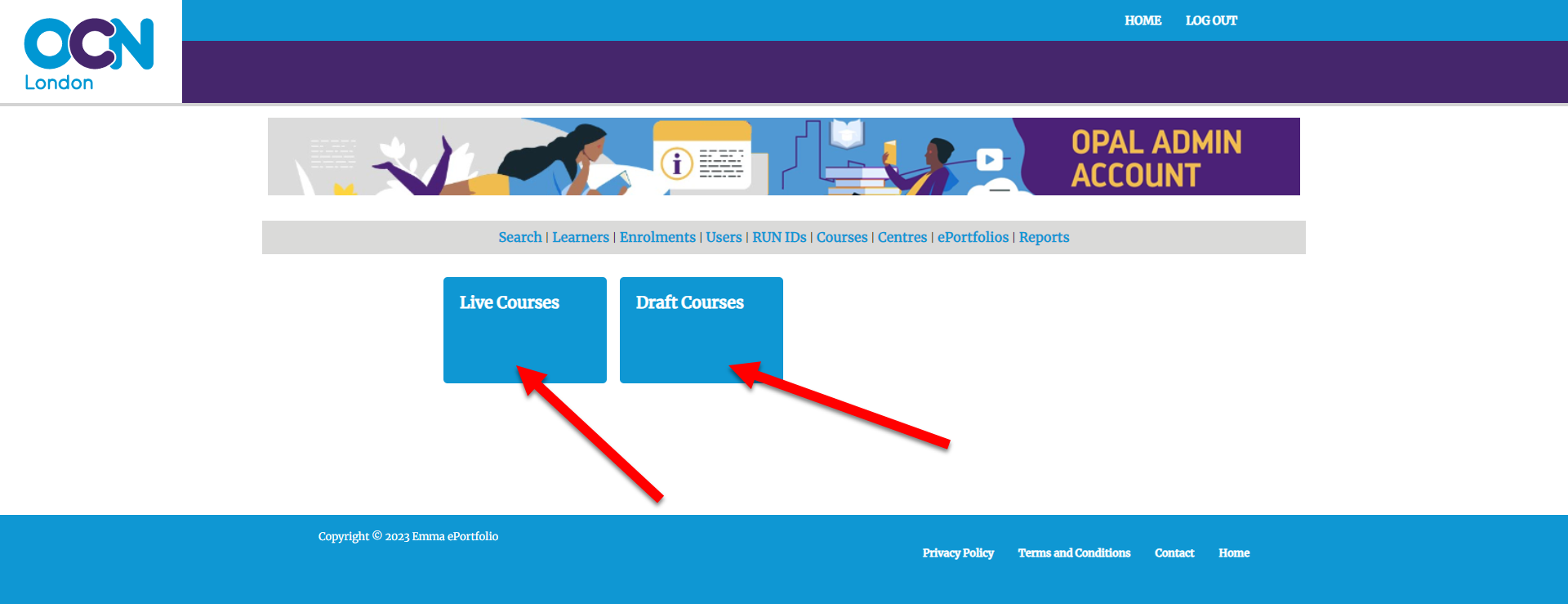
Step 1: Click Courses

Step 2: Click on Live or Draft
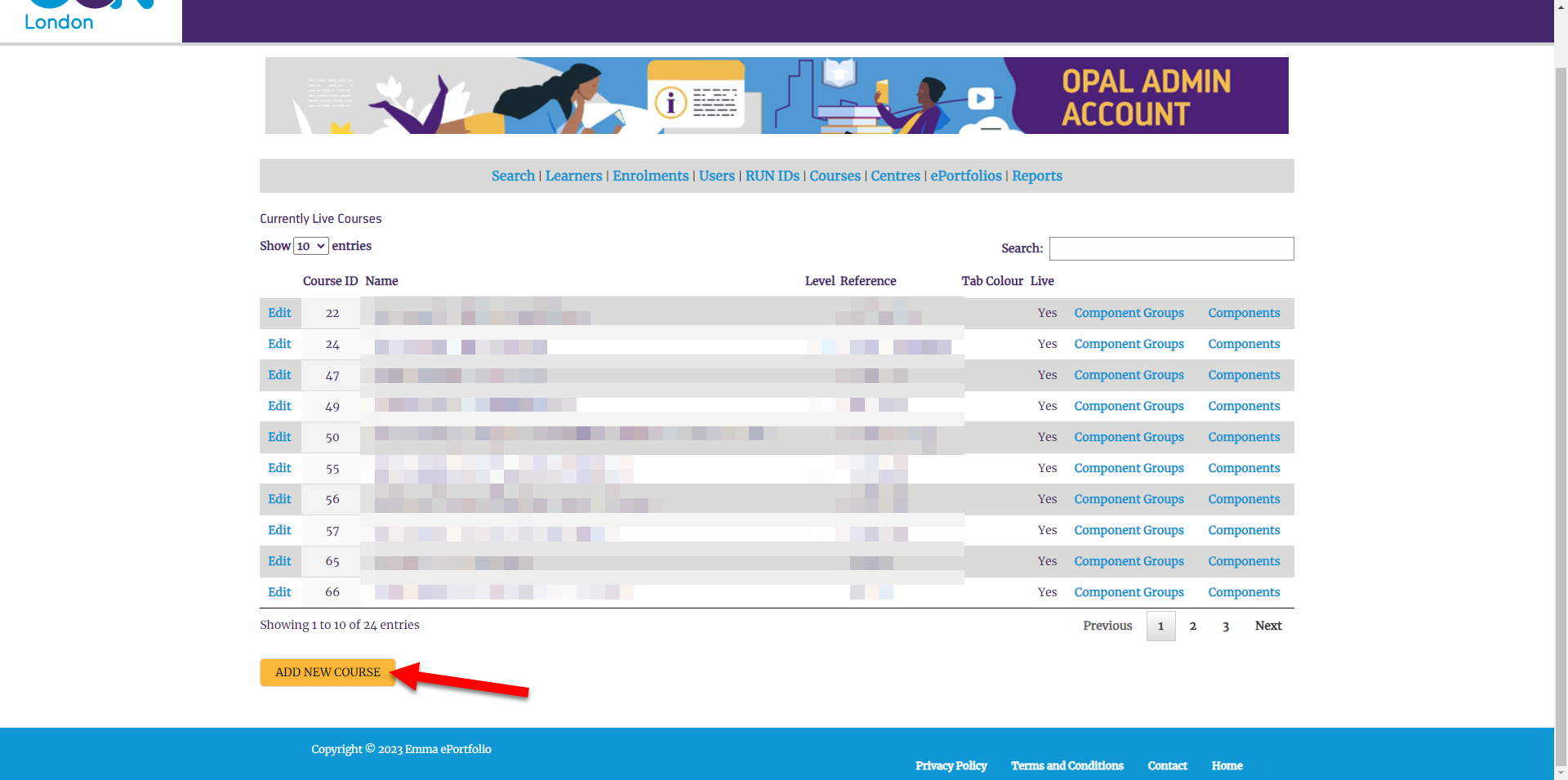
Step 3: Click 'Add New Course'
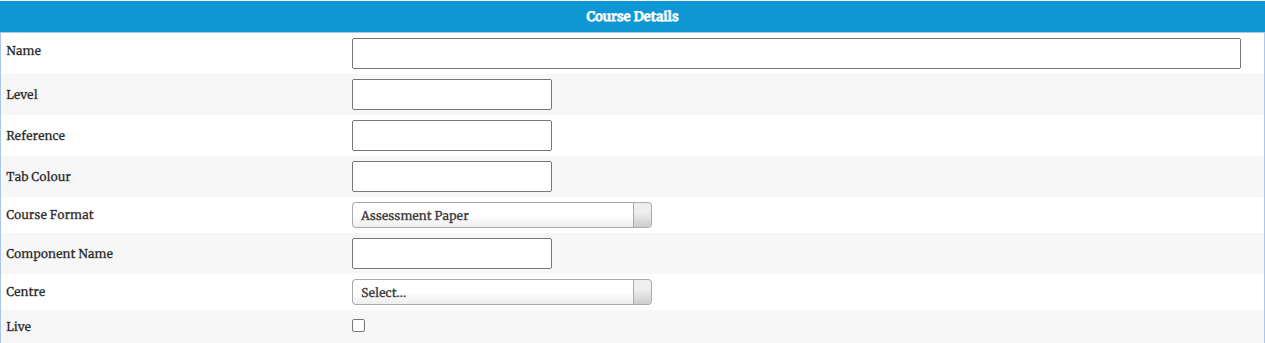
Step 4: Fill out Course Details
- Name of the Course
- The Level of the Course
- Course Reference
- Tab Colour (Optional), use HEX CODE
- Pick Assessment Paper, from the Course Format drop down list
- Component Name
- Select the Centre from the down list
- Select if you want to course to be live
Step 5: Fill out the rest of the details, if required
- The Learner Declaration is presented to the learner the first time they log in.They have to place a tick in the I have read and agree to terms and conditions and then click on the START YOUR E-PORTFOLIO button.
- The Learning Tab is optional for some courses. If the learning tab has items in then it is shown, however, if it is blank then it will not appear for the Learner.
- Instructions Tab
- Home Tab
- Resources Tab
Step 6: Click the SAVE button

Did you find it helpful?
Yes
No
Can you please tell us how we can improve this article?

 create new ticket
 check ticket status