create new ticket
 check ticket status
To create an ILP you need to do the following
Log into FileZilla
Open /forms/FoodSafety and then download the file to a folder on your hard drive

By double-clicking the file

Now click in the two dots in the right-hand window to go up a level
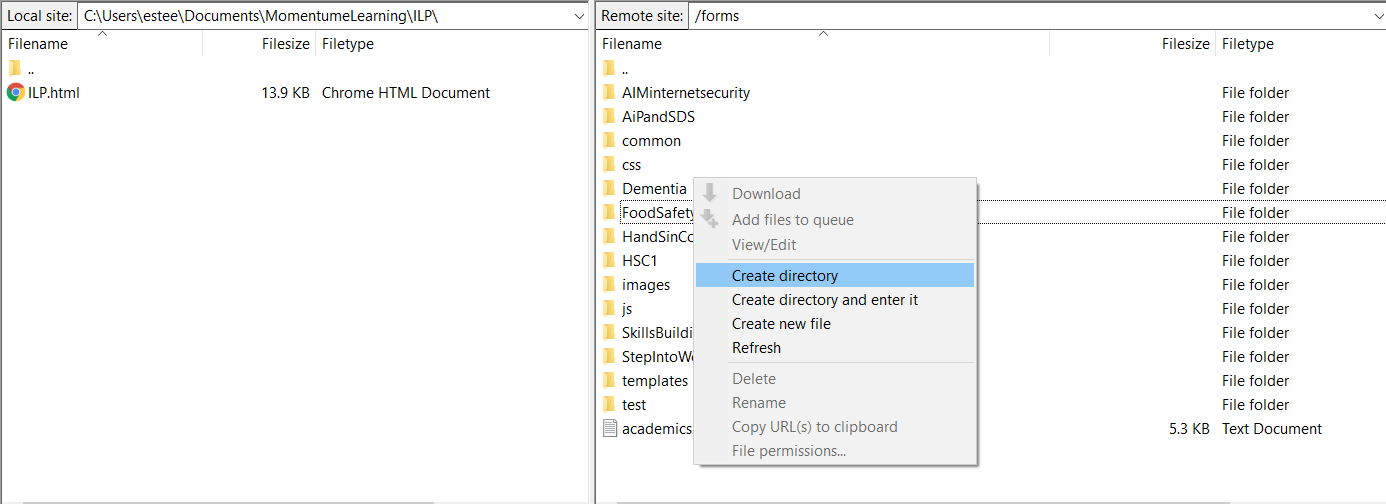
Right-click in the white space in the right-hand window and click Create Directory. Choose a short name with no spaces that is a close match to the course.
Enter the new directory and then double click the ILP.html in the left-hand window to upload it to the folder on the right-hand side (server-side)

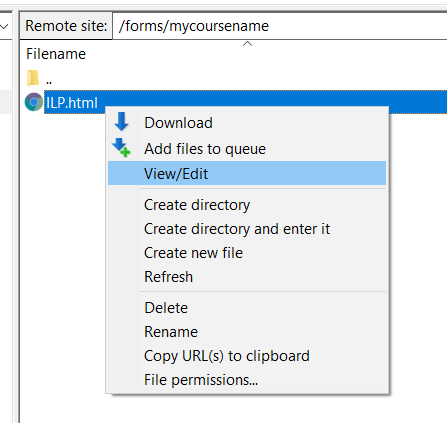
Right click this file and click VIEW/EDIT
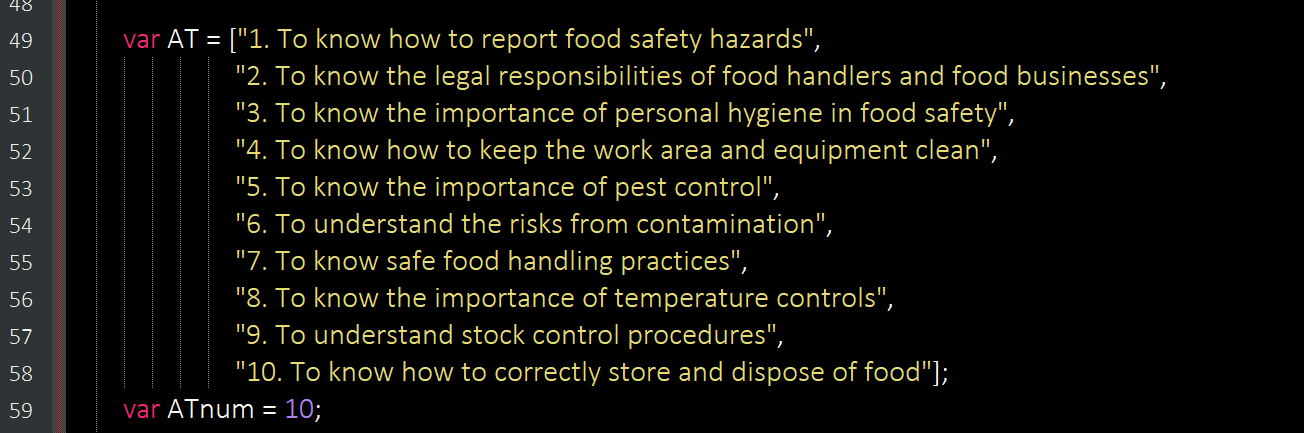
Find this text near the start of the document. Be careful not to change anything else in the file. Replace the course-specific learning objectives with new ones for your new course. Make sure to start and end with a “ “. The objectives also need to be separated by commas. Note that the final item does not require a comma at the end.
Then change the ATnum to the number of new objectives (there is no limit [within reason])
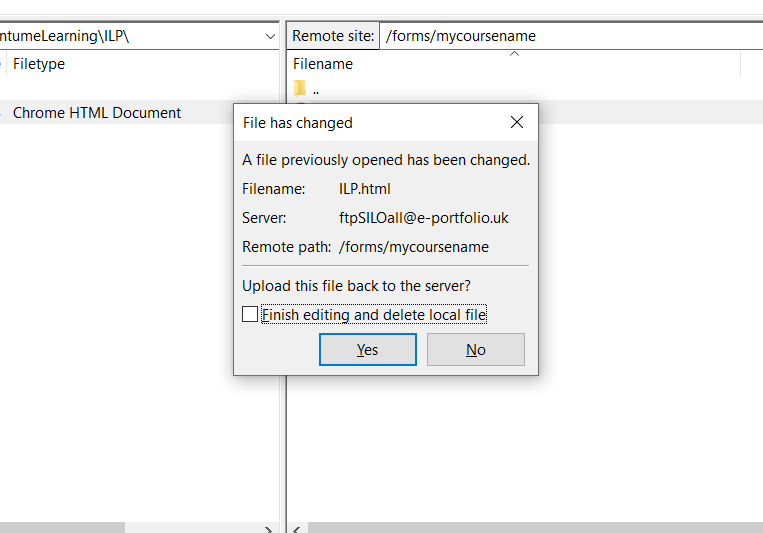
Press Save and then in FileZilla confirm Yes to the server file upload.
You can then right-click the file to get the URL of the form. This can be used for BOTH the PRE and POST ILP.
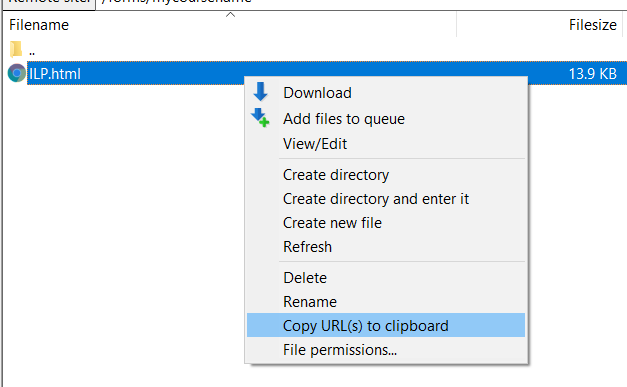
It will look like this when you paste it into the TASK
ftp://ftpSILOall@e-portfolio.uk/forms/mycoursename/ILP.html
Change it to
HTTPS://e-portfolio.uk/silo/forms/mycoursename/ILP.html
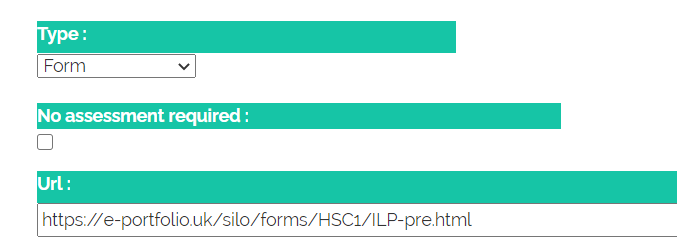
The TYPE needs to be Form and the URL is as per the example above.