create new ticket
 check ticket status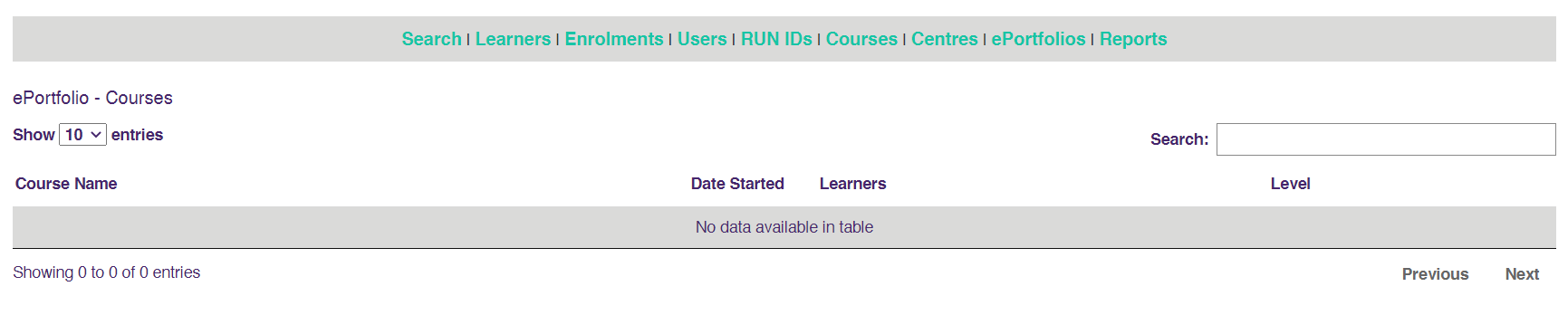
The Main Administrator can see the progress of all Learners in all courses for all Learning Centres. Centre Administrators will have the same functionality but for ONLY RUN IDs linked to their Centre.
How to amend the status of a Learners Portfolio. In this example, we will change a Submission that has been marked as complete in error back to with Tutor for Marking so that the Tutor can amend their marking result or comments.
1. Click on ePortfolios in the Admin Home Page
2. Search for the course or Tutor name

3. Search for a learner

4. You can edit the STATUS to Not Started - In Progress - With Tutor - Completed - Requires Attention or Locked
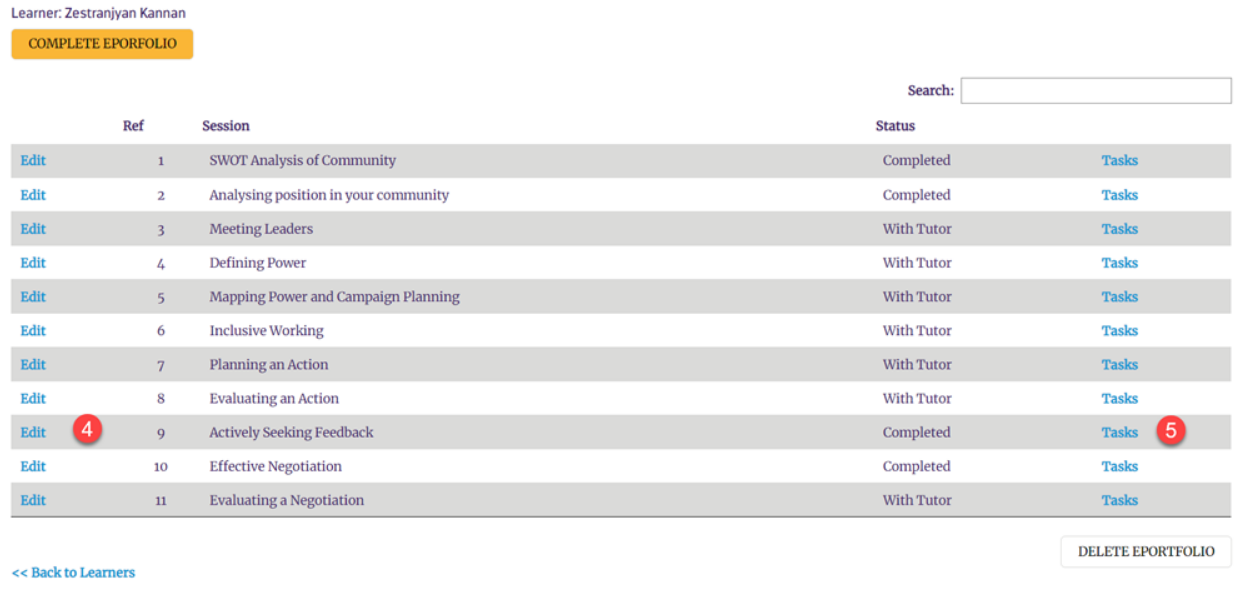
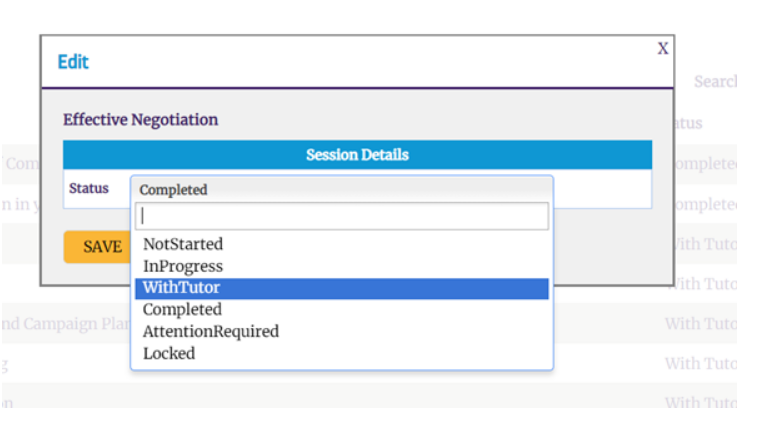
5. Edit the specific flags of the answer (or answers) and unlock from Tutor or Student.
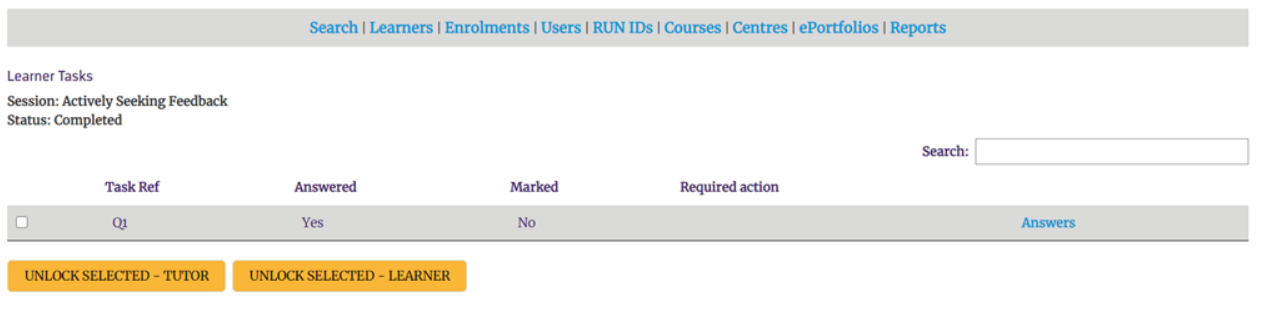
...for this task
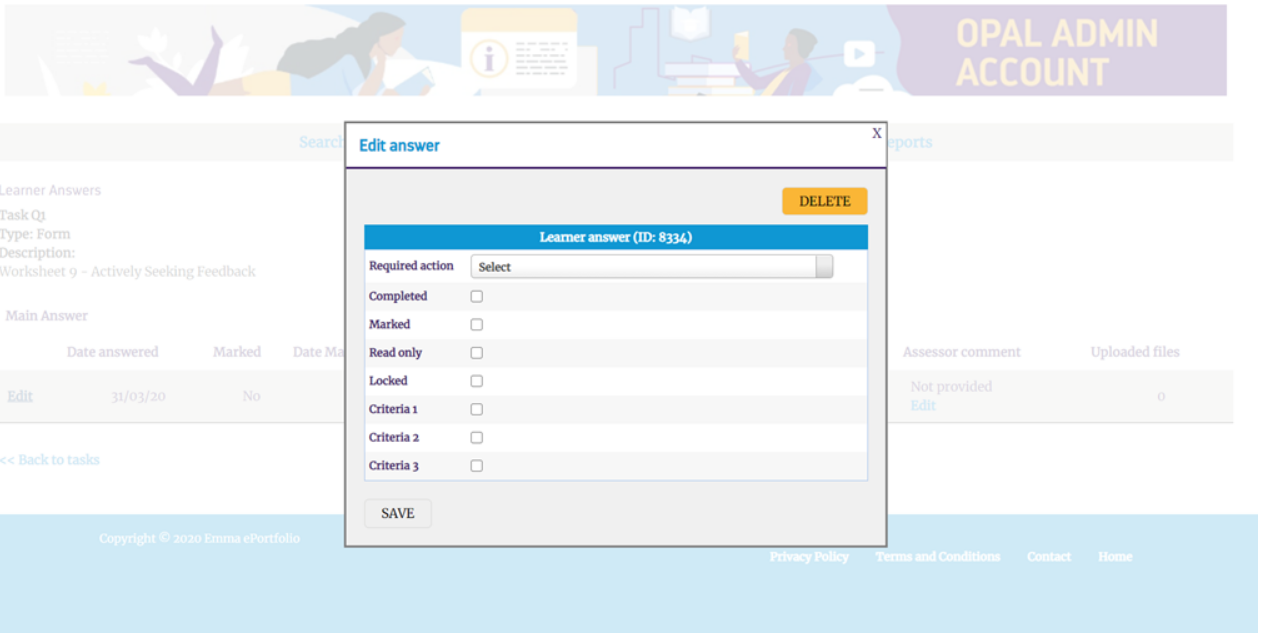
6. Then the Tutor can then go in and continue the work-flow from the place it was set to.