create new ticket
 check ticket status
Submit your work
When all the Assessment Tasks for that Worksheet are completed, and the ‘I have completed everything for this task’ tick boxes are all ticked, a new red tab appears, labelled ‘Submit’. See image.
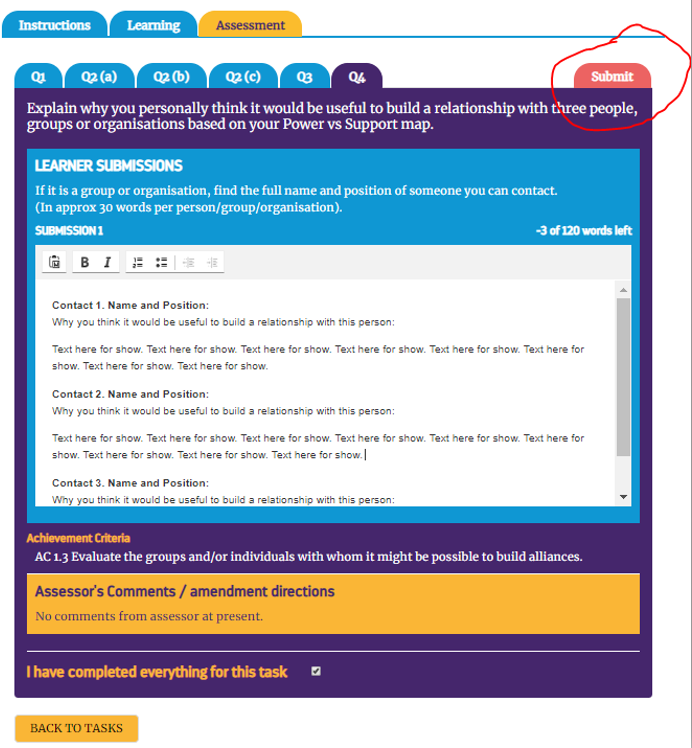
Click on this tab to submit your work to the Tutor/Assessor, so that it can be assessed.
Your work is then sent to your Tutor/Assessor for marking. They should get an email alert to tell them that your work is awaiting assessment.
You can then return to the list of Worksheets and continue with further tasks while you wait for feedback from your Tutor/Assessor.
NB To return to the Worksheet list, click the orange ‘BACK TO TASKS’ button at the foot of the screen.